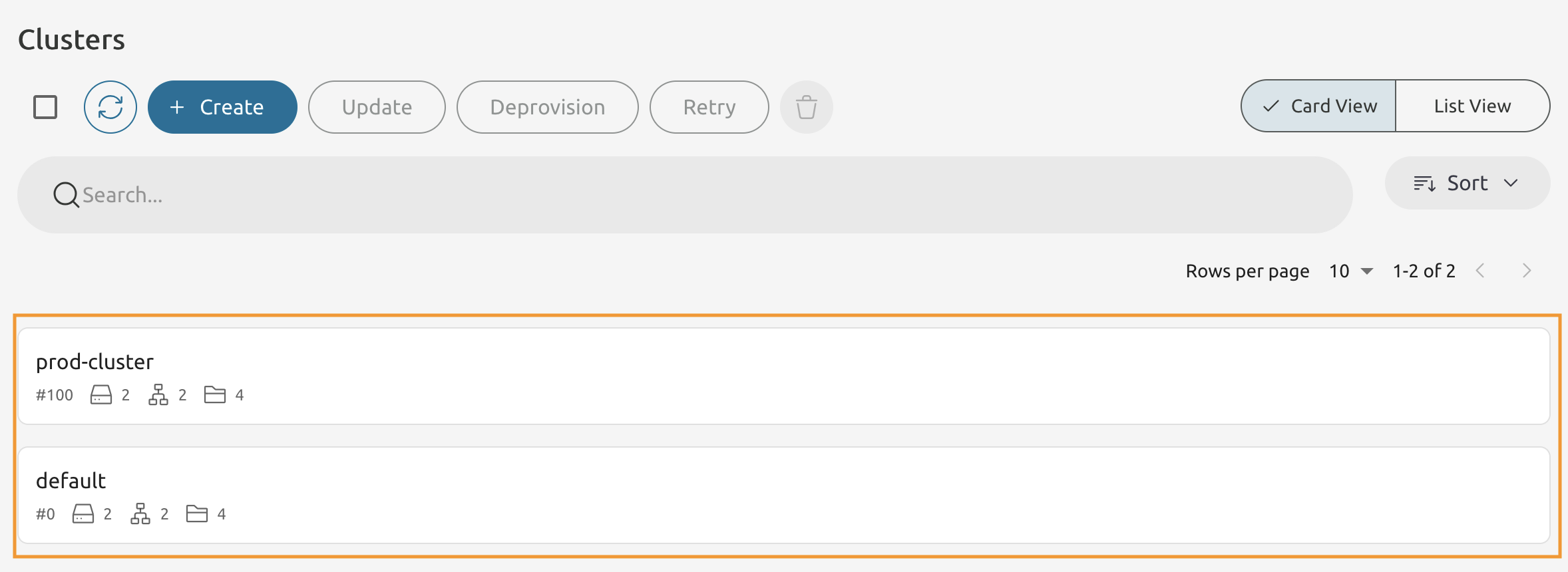
Module 7 - Lab 1 : Cluster Management
Table of Contents
Expand to access the In-page navigation
Objective(-s):
- Create a Cluster.
Create a Cluster.
7.1.1
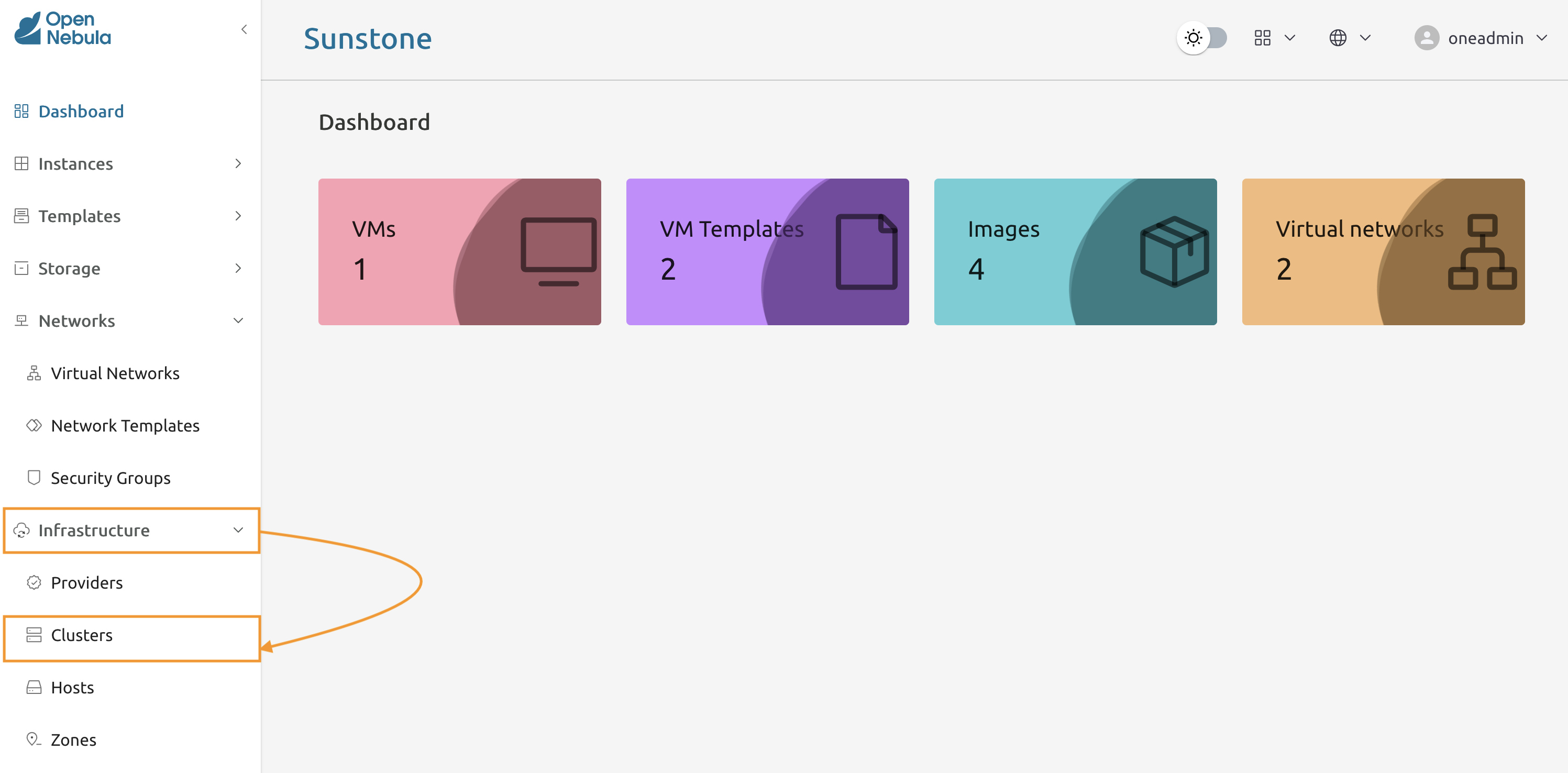
Navigate to the Infrastructure -> Clusters to access the cluster management console.
7.1.2
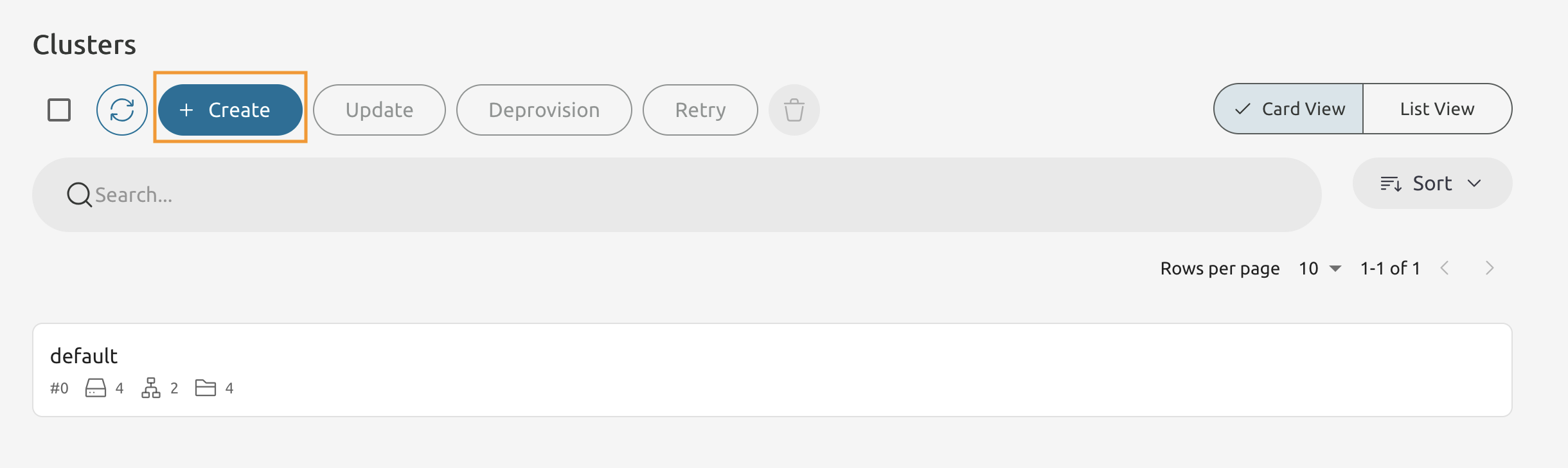
Press Create to add a new Cluster.
7.1.3
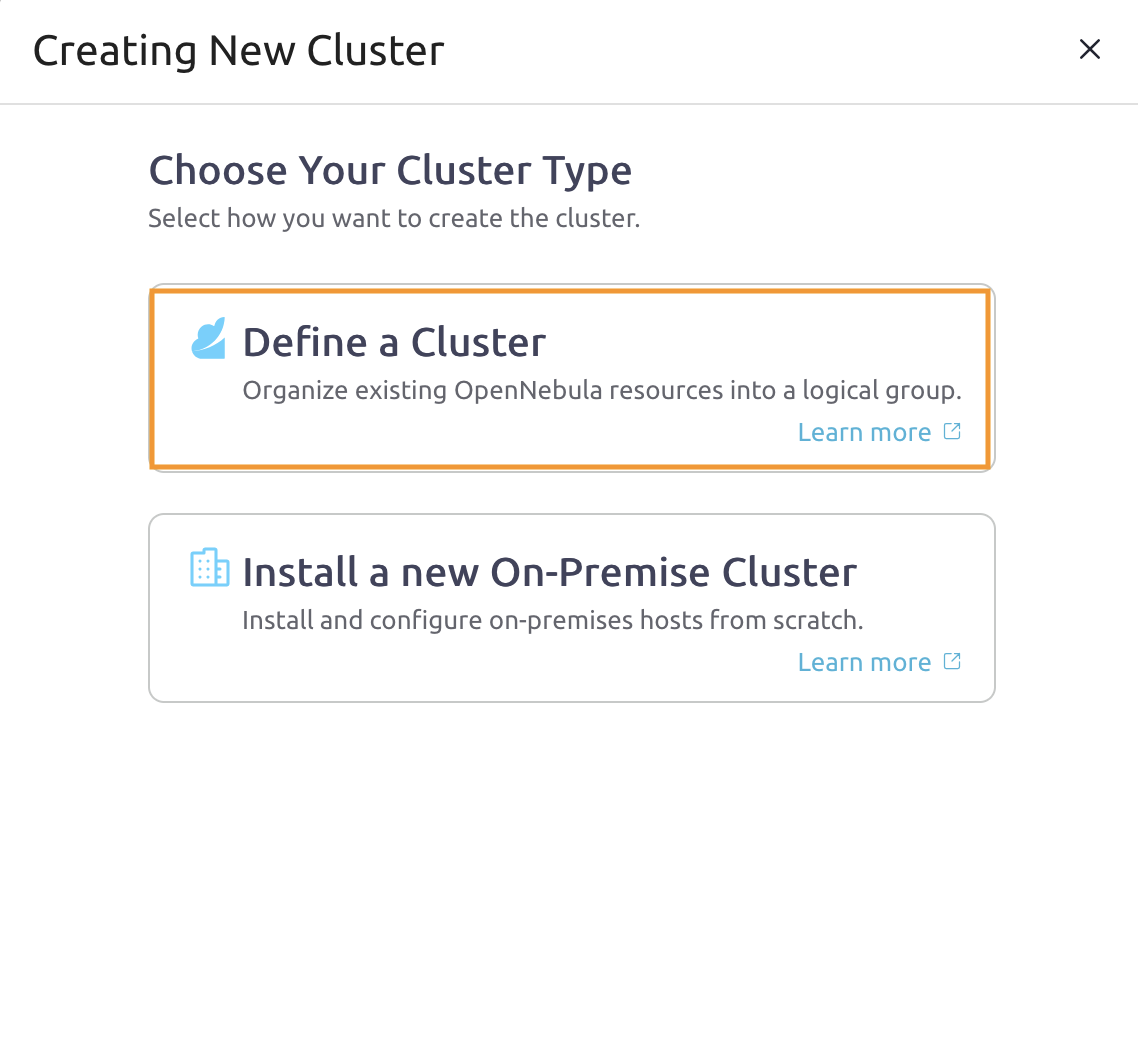
Select the Define a Cluster option from the list, because you are going to create a cluster from the already existing resources.
7.1.4
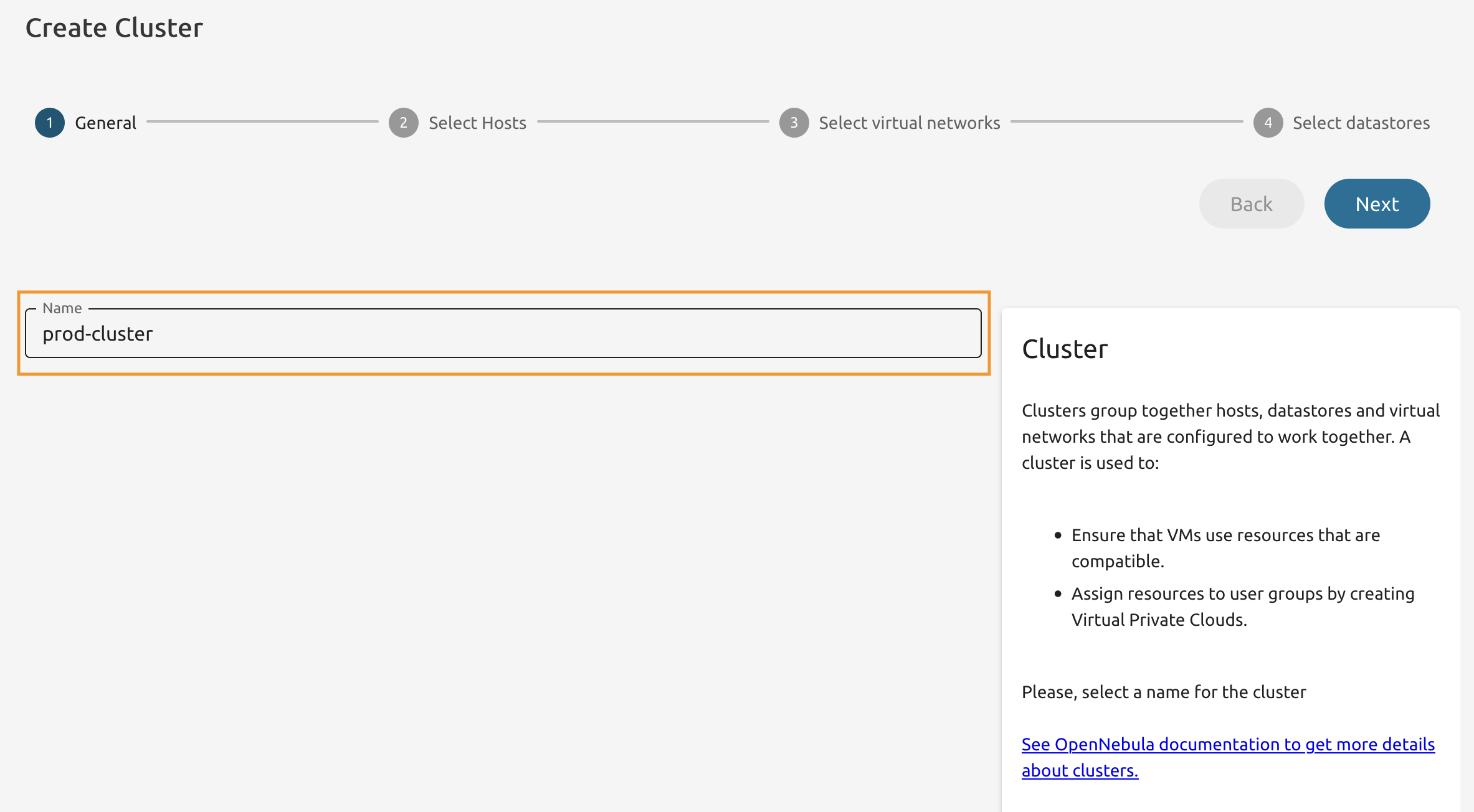
Name it prod-cluster.
7.1.5
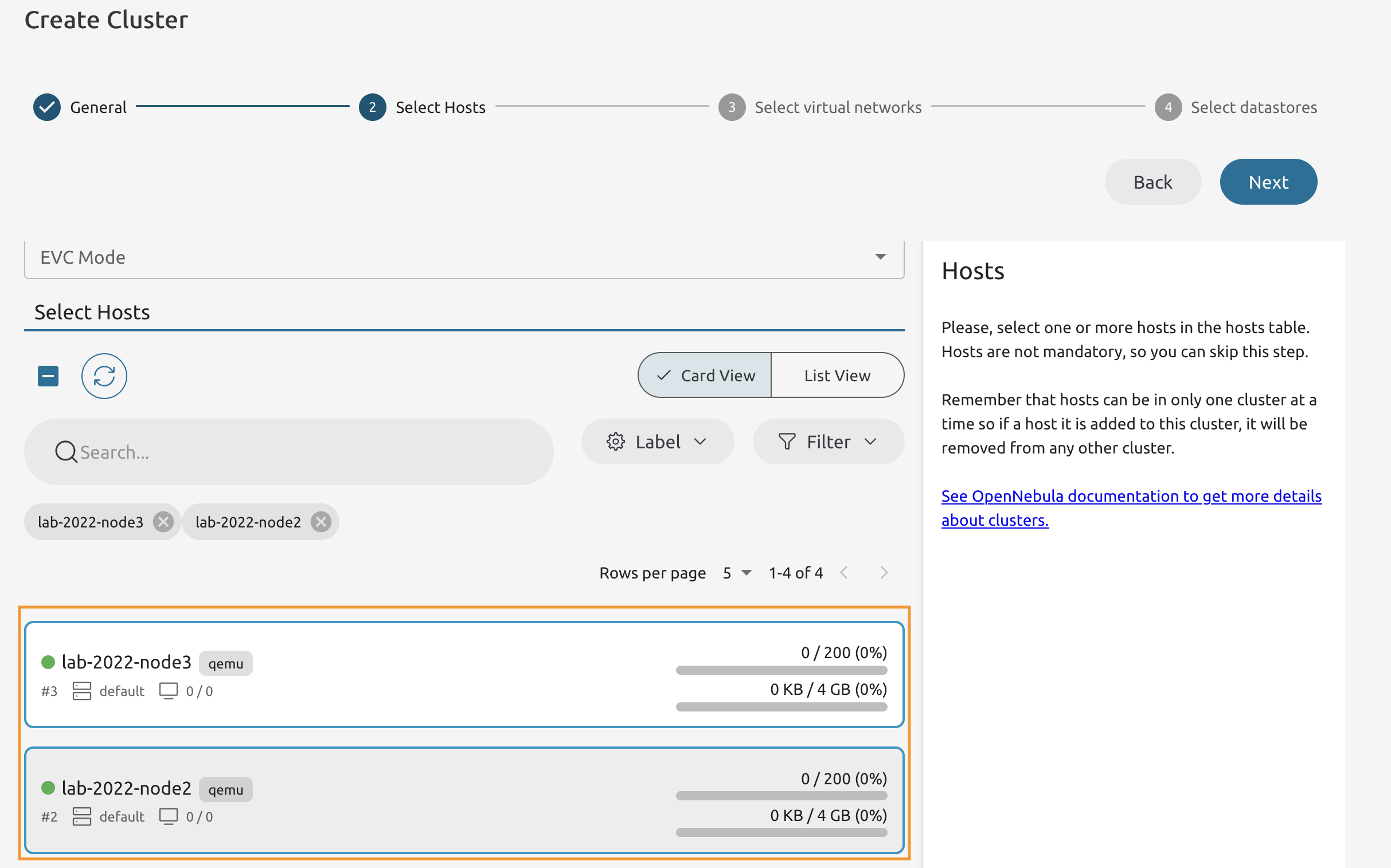
Add two Hosts to the Cluster that are not occupied by any VM.
7.1.6
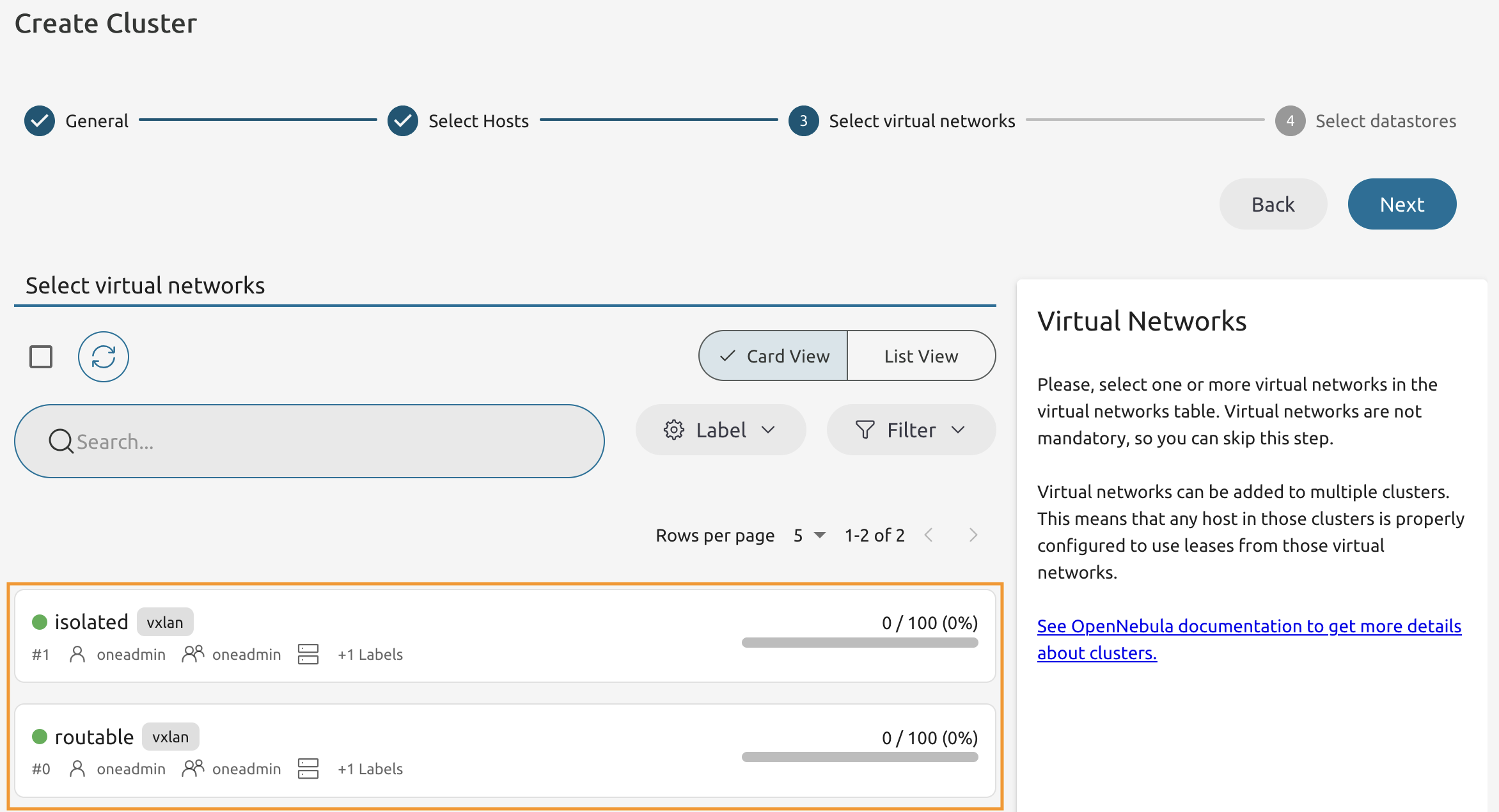
Add both networks to the cluster.
7.1.7
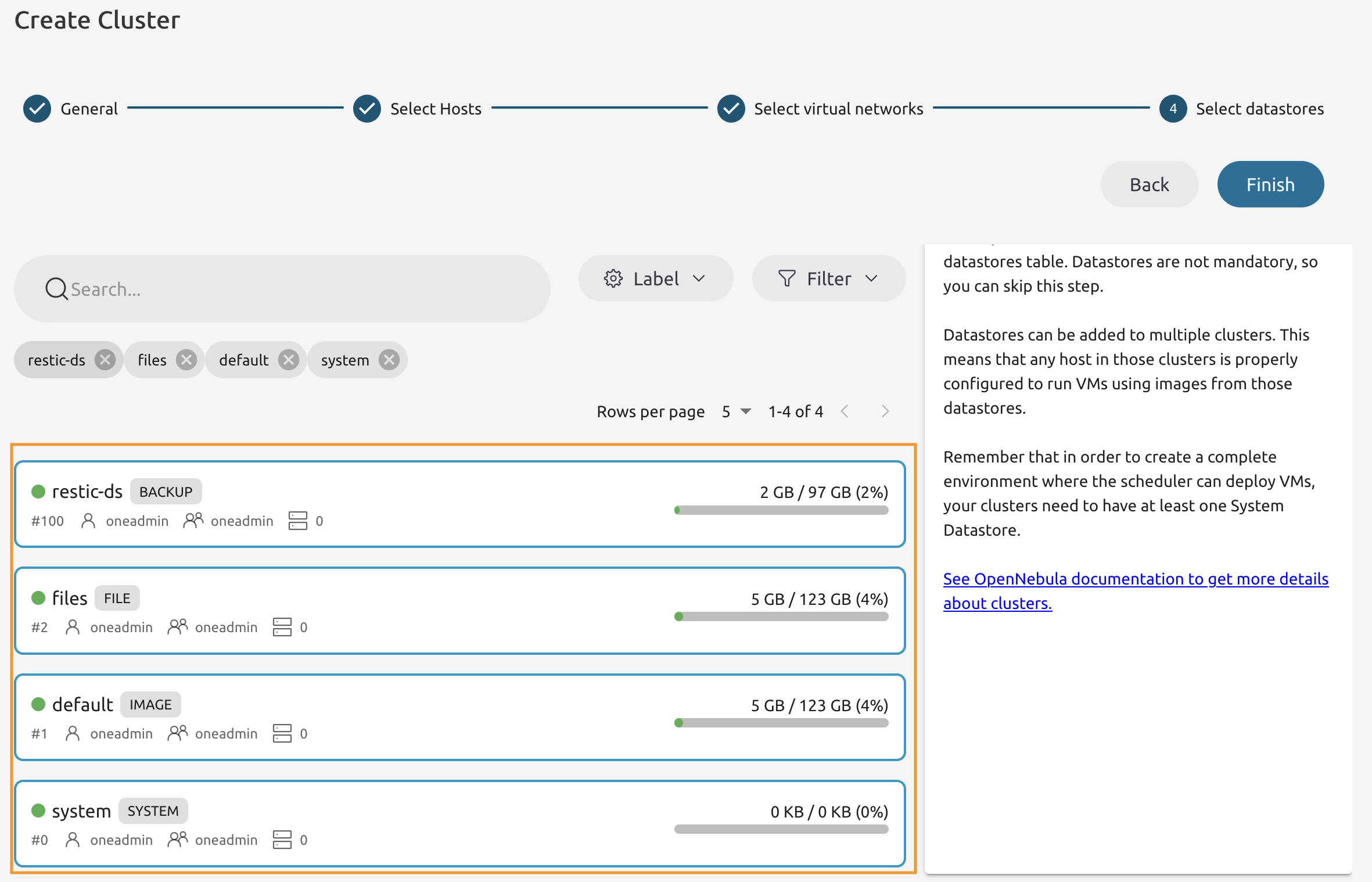
Add all available datastores to the Cluster.
7.1.8
You should have another cluster with two hosts.